
Yavapai County Court Calendars Explained
Yavapai County puts out more than one kind of court calendar. The Superior Court daily interface lets you pick a date. It returns the case number, case name, room, building, and time. Juvenile names stay suppressed. A separate Prescott consolidated interface handles limited-jurisdiction calendar searches by case number or date. The county court site also posts recurring schedules. These cover Superior Court divisions, the Justice Courts, and municipal courts.
Each source answers a different question. A daily calendar tells you who is set where on a given day. A recurring calendar shows the usual weekly block for a case type. Hearing Information inside the docket records a case's past settings and results. None of them outranks a fresh order or notice from the assigned judge.
The official Yavapai Superior Court daily calendar shows the daily settings the court publishes.
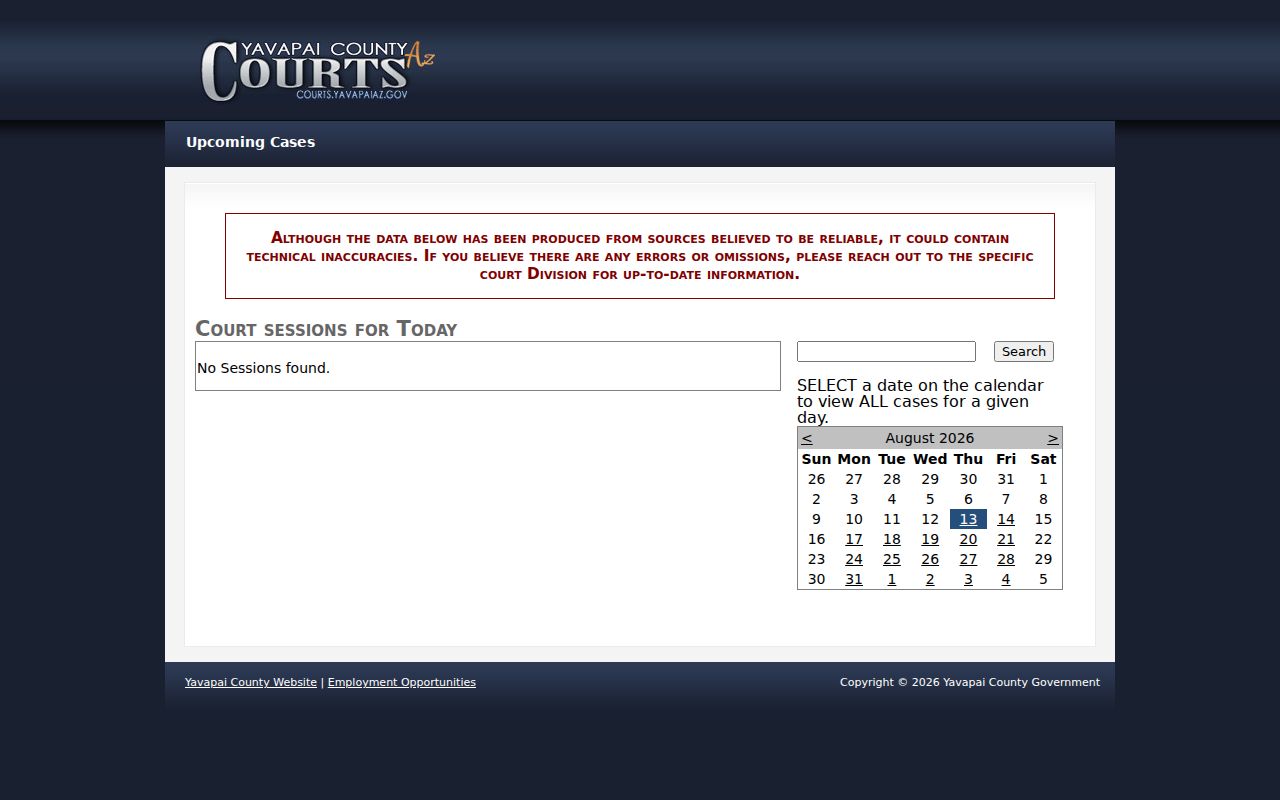
The date control and the result layout make the daily calendar easy to use. Still, the court's own warning tells you to confirm every setting with the assigned division.
Yavapai Court Date Confirmation
Work from the most specific paper outward. The newest citation, notice, or order comes first. It was issued for your case alone. Check the official current calendar next. Open the case docket and find the newest future Hearing Information entry. If any detail conflicts, call the assigned division or the limited-court clerk. Public Access helps identify the court. Its weekly refresh can lag a change coming up soon.
| Channel | Best use | Main caution |
|---|---|---|
| Court-issued paper | Case-specific date and court | A later order can replace it |
| Daily calendar | Current date, time, and room listing | Technical errors can occur |
| Docket hearing history | Newest setting and prior results | Old dates remain visible |
| Clerk or division phone | Final confirmation and conflicts | Call the court that holds the case |
| Clerk counter | In-person case and setting help | Use the assigned court, not any county office |
This order of checks still works when a portal goes down. The county publishes contacts for the Superior Court, five Justice Courts, and municipal courts.
Finding Your Court Date
Name the court before you search. Superior Court matters run through the daily county calendar. The Clerk of Superior Court record covers the same cases. Justice and municipal cases may use their own calendar or the Prescott consolidated one. The statewide Public Access index can point you to a participating court. But the actual clerk remains the fallback for excluded cases or recent changes.
- Read the newest citation, summons, notice, minute entry, or order for the assigned court and date.
- Choose the matching official calendar and search the relevant day or case number.
- Open the docket’s Hearing Information and locate the newest future entry.
- Compare the date, time, building, room, judge, hearing type, and any result.
- Call the division or court clerk when a reset, conflict, weather issue, holiday, or remote detail is unclear.
Saved copies go stale fast. A hearing can be reset while the old line still sits in the case history, so always check the live calendar before you plan around a date. The official Justice Court contact directory lists the numbers a clerk answers, and that call is the surest confirmation a date still stands.
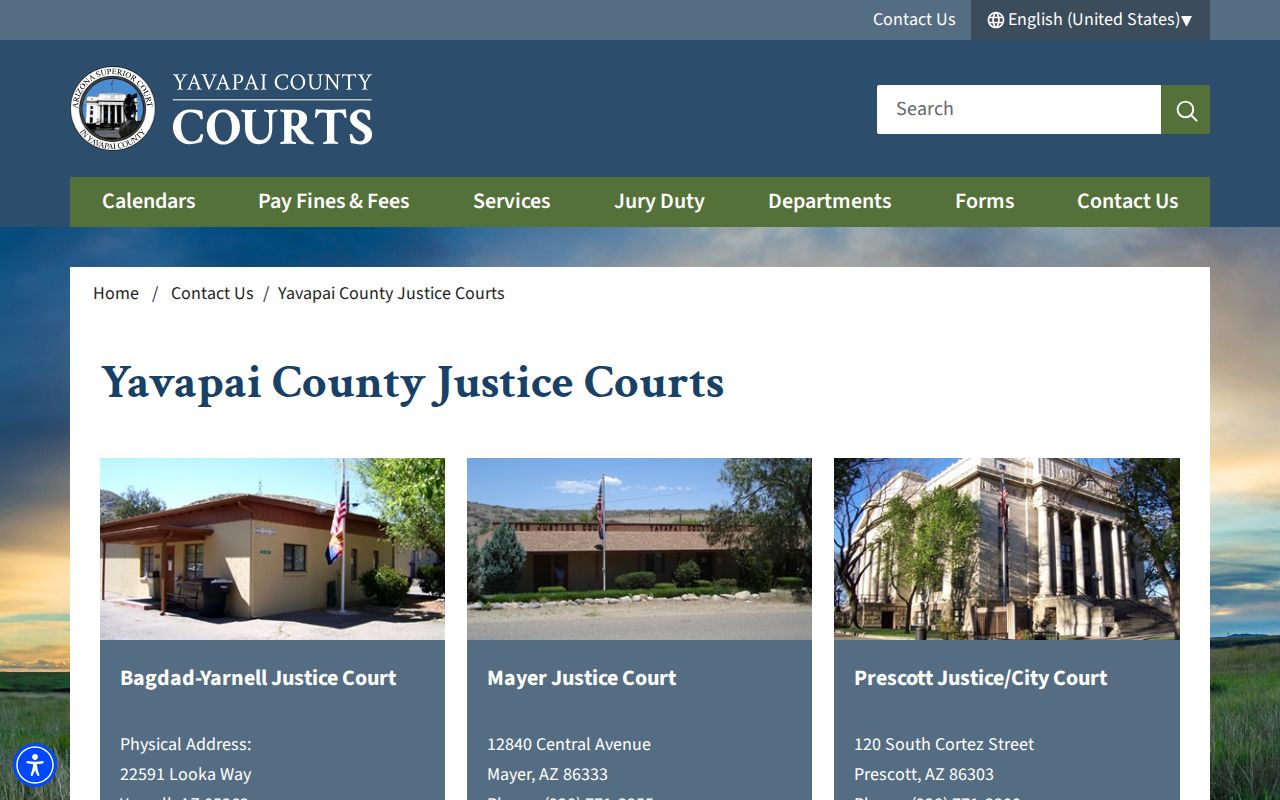
The directory routes a calendar question to the court that owns the setting. That keeps you from calling an unrelated county clerk.
Yavapai Prescott Court Calendar Search
The Prescott consolidated calendar takes a case number or a date. Enter the case number with no spaces or special characters. Results return the case number, session date, party name, and courtroom. This tool covers far less than the Superior Court daily interface, so confirm first that the notice points to the Prescott consolidated limited-jurisdiction court.
The Prescott consolidated court calendar is the official search page for these limited-jurisdiction settings.
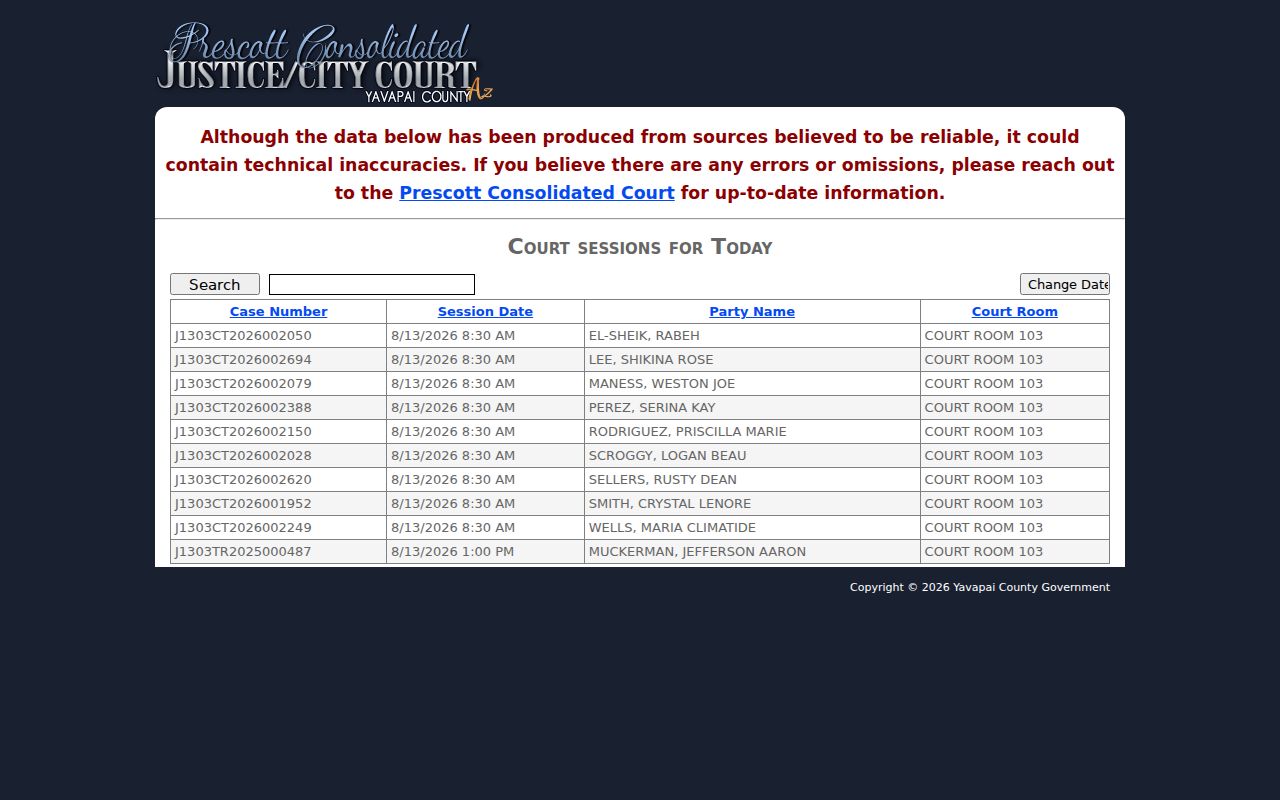
The search controls show why punctuation can block a case-number lookup. Strip the spaces and special marks, then compare the returned session date to your court paper.
Quick check: A no-result search can mean the wrong calendar, a formatting error, a reset, or a case not yet reflected online. Call the court before drawing a conclusion.
How to Read a Court Setting
A setting is one scheduled court event. Read every field as a single unit. A correct date paired with the wrong building or room can still cost you an appearance. The Superior calendar lists room and building separately. The case docket may add the judicial officer, hearing type, and later result. Juvenile case names stay suppressed on the calendar, so an authorized person should rely on the case number and direct court instructions.
| Date | The scheduled calendar day; compare it with the newest order. |
|---|---|
| Time | The listed start time, which may differ from another session in the same room. |
| Building and Room | The court site and courtroom; both matter because Yavapai has Prescott and Verde Valley locations. |
| Judge or Division | The assigned judicial officer or division to call for confirmation. |
| Setting Type | The proceeding, such as arraignment, status conference, trial, sentencing, or civil hearing. |
| Result | The recorded outcome after a hearing; blank may indicate a future or not-yet-entered result. |
Use the case number to separate people with similar names. For a wider record search, the Yavapai County case lookup explains the statewide search fields.
Yavapai Recurring Court Date Patterns
The official Yavapai court calendars page publishes the recurring blocks that organize local calendars.
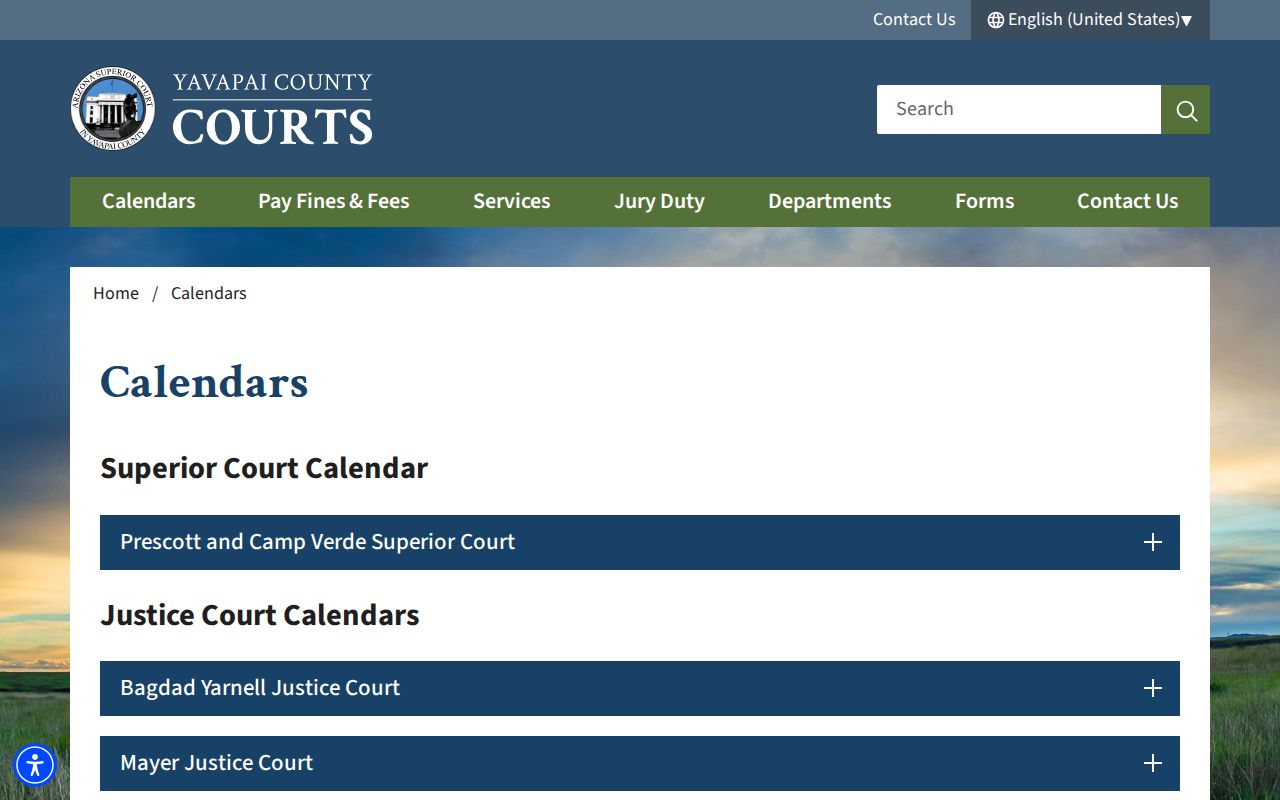
Recurring schedules give useful planning context. They are patterns, though, not case-specific promises.
Bagdad-Yarnell lists Wednesday arraignment and open court, Friday civil settings, Monday afternoon civil traffic, and Tuesday misdemeanors. Mayer sets civil matters Monday and Wednesday, traffic Thursday, criminal Tuesday, and jury matters Thursday or Friday. Seligman holds criminal open court Wednesday. Verde Valley spreads traffic, hearings, criminal initial appearances, change-of-plea hearings, and warrant blocks across the week. Chino Valley lists Monday, Tuesday, and Wednesday setting groups.
Always come back to the latest notice. Holidays, judicial orders, weather, case needs, and continuances can all break the normal pattern.
Continuances, Resets, and Cancellations
A continuance simply slides a hearing to a new slot. The old setting stays on the Yavapai County court docket. The change itself proves nothing about dismissal. Look under Event Information for the order or minute entry that moved the date. Hearing Information sometimes carries both the prior result and the fresh setting. Read the chronology forward so the sequence makes sense.
Call the division when only one source shows the change. The Superior calendar itself warns that technical inaccuracies happen. Public Access refreshes on Friday. It only covers events through Wednesday, so it is unreliable for a hearing a few days out. Weather closings, holidays, and remote-participation logistics all need confirmation straight from the court.
Note: Keep the newest court-issued notice handy. And write down whom you spoke with when a calendar conflict forces a direct confirmation.
Yavapai Court Dates for EDC
Early Disposition Court splits the Yavapai criminal calendar into two regional rhythms. EDC runs Tuesday in Prescott and Thursday in Camp Verde. Mornings usually hold in-custody settings; afternoons take the out-of-custody ones. The program speeds up eligible criminal resolutions. Eligibility and placement always depend on the specific case.
For the recurring schedule, turn to the Superior Court divisions source. It lists each division and its calendar details.
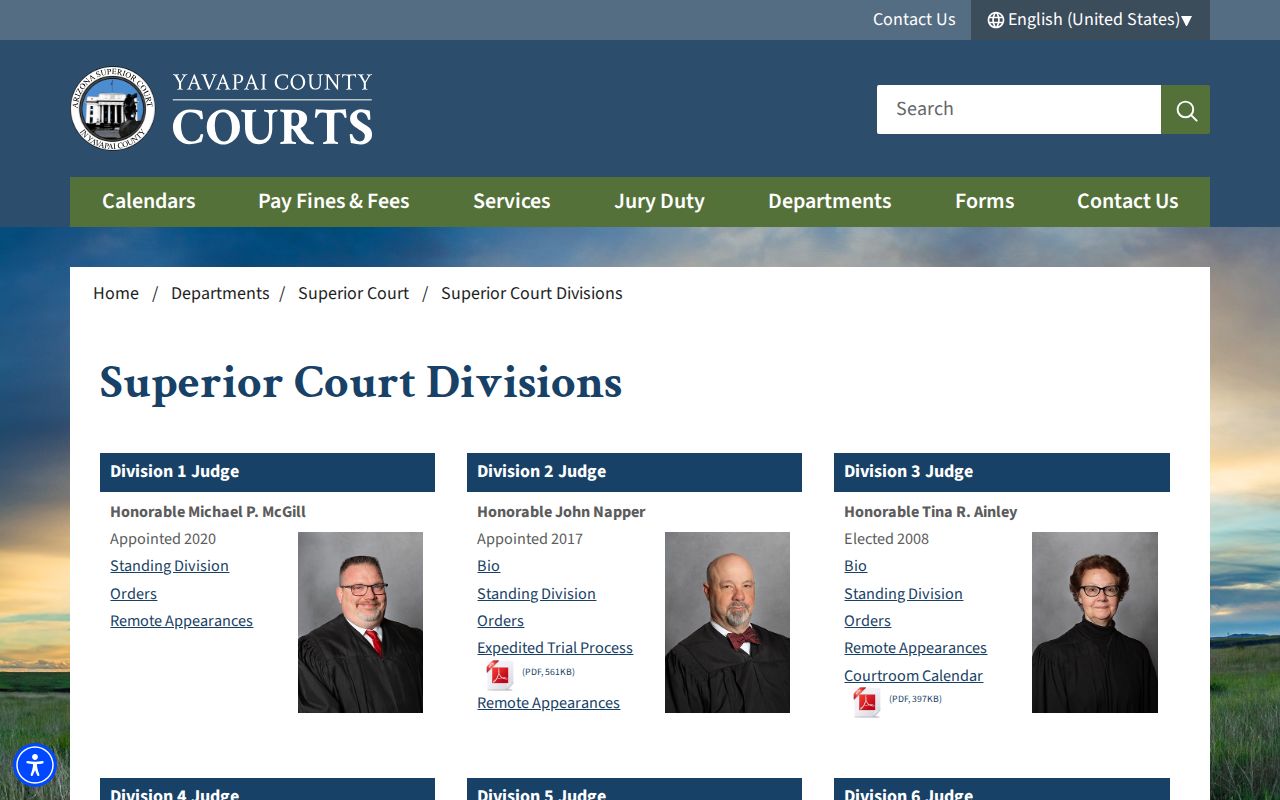
The divisions listing points to one practical rule: confirm an EDC setting with the assigned division. That matters most when Prescott and Camp Verde dates diverge.
- Arraignment
- A hearing where charges are stated and a plea is addressed.
- Status conference
- A check on readiness and unresolved issues.
- COP
- Change of plea, a setting at which a plea may be changed.
- OSC
- Order to show cause, which asks why an order was not obeyed.
- Open court
- A locally advertised block that may allow specified matters to be heard.
Yavapai Juvenile Calendar Privacy
Juvenile names never appear on the Superior Court daily calendar. That suppression protects access. The hearing still happened. A party or authorized person should rely on the case number. Turn to the private court notice as well. The Juvenile Justice Center records channel also serves this purpose. The general Public Access index likewise leaves out juvenile delinquency and incorrigibility matters.
Arizona law and Rule 123 seal specified juvenile records. Adoption, dependency, and severance material fall in that set. Never guess a juvenile schedule from a name that is not there. Instead, call the juvenile records number or follow the directions on the issued notice. Privacy and docket access overlap, but they are distinct things. A court can hide a name from the public. It can still tell authorized participants exactly when to appear.
If You Miss a Court Setting
Act fast. Pull up the docket and scan for a hearing result, a minute entry, a new setting, or anything warrant-related. Then reach the assigned court directly. Do not sit around waiting for Public Access to refresh. Consequences hinge on the case type and the judge's orders. A general calendar can never promise you that nothing followed.
Missed setting: Call the assigned division or limited-court clerk now, state the case number, and ask what the court entered and what step is required.
Hang onto the court's instructions. Verify every new date, time, room, and required appearance form. A justice or municipal matter stays with that clerk. It leaves there only if an appeal or transfer opened a separate Superior Court record. A portal showing no result is not a closed case. Use the clerk counter or the phone instead of assuming the best.
Note: Only the court can move a setting or state what a missed appearance means. An online calendar is informational.