
How to Search Cases by Name
Your widest net is the free Arizona Public Access to Court Information portal. It pulls in 177 of the state's 184 courts, including participating Yavapai County courts. A last name is the minimum for a party search. Add a first name, a date of birth, or a specific court. That cuts down common-name noise. Expect a CAPTCHA. Note the portal's own warning: click Submit rather than pressing Enter, or the query may never run.
- Complete the CAPTCHA before entering search details.
- Choose the party-search route and enter the last name.
- Add the first name or date of birth when known.
- Select the specific Yavapai County court if the filing court is known.
- Open a matching result and compare its case, event, and hearing information.
The official Public Access screen presents the statewide search gate and its two lookup routes.
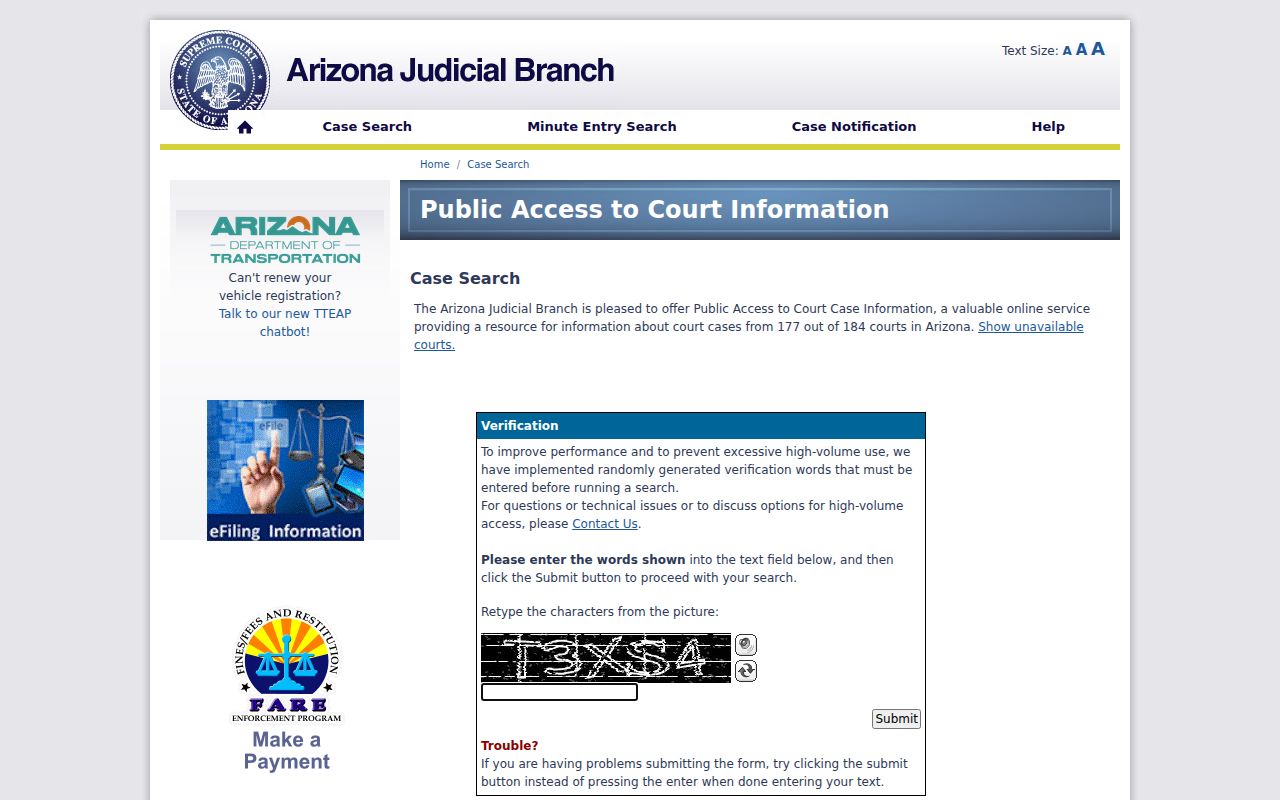
Remember that this screen is only an index. It is not the official court file, so the court name it displays is your real prize: that name points you to the right clerk.
| Field | Type | Required | Use |
|---|---|---|---|
| CAPTCHA characters | Text | Yes | Passes the search gate |
| Last Name | Text | Party route | Starts a name search |
| First Name | Text | No | Narrows similar names |
| Date of Birth | Date | No | Helps distinguish parties |
| Court | Dropdown | No | Limits results to a known court |
Yavapai County Case Search Timing
Public Access costs nothing and needs no account. It is not live, however. Updates land on Friday and cover data only through Wednesday. So a fresh Yavapai County filing, a recent event, or a moved hearing can lag behind what the court's own file shows. For anything happening soon, confirm the details with the listed division or the lower-court clerk.
Figure out which court handled the matter before you go digging. The Superior Court clerk cannot pull a city or Justice Court file for you, since every lower court in Yavapai County keeps its own case records. So start there. The county's Justice Court directory and its municipal court directory will point you to the right office for a Yavapai County docket search.
How to Search by Case Number
Want faster results? Search the Yavapai County court docket by case number instead of by name. Public Access splits the year, the sequence, and the court into separate fields. Superior Court numbers follow patterns like S1300CR2023001234 for a criminal case and S1300CV2023001234 for a civil one. The S1300 portion points to the court. The CR or CV tells you the category. The trailing digits hold the year and the sequence.
Public Access will ask for a year from 1916 forward, the number itself, and the court you want. The paid eAccess service is more flexible. It takes a full or partial case number. Copy the identifier exactly, letters and leading digits included. Strip out part of the sequence and you may pull results that are broad or flat-out misleading. For a Prescott consolidated calendar lookup, type the number with no spaces or special characters.
Note: The court does not publish a master list of case abbreviations. So treat only the codes the court itself displays as authoritative.
Yavapai County Case Number Tips
eAccepts both full and partial case numbers? Not quite the phrasing, but the tool is flexible: eAccess can run a Yavapai County case lookup on a complete CR or CV number or on just part of one. Use the full number whenever a court notice gives it to you. A partial works when the identifier got clipped. Filter the query to Yavapai County before you scan the results, so the sequence does not match similar case numbers filed in other Arizona Superior Courts.
Yavapai County Legacy Case Search
Superior Court records created before 1992 travel a local legacy route. Send those requests to the Clerk at the historic Prescott courthouse. Do not expect an eAccess document. That older-file rule reflects how the county's record system works, not a finding that the case is closed. Include names, any known number, and the precise record you want.
Yavapai County eAccess Case Search
Arizona eAccess is a registered service. It covers available Superior Court civil and criminal documents filed on or after July 1, 2010. Keep it separate from Public Access. Also keep it apart from eFileAZ, which exists to file documents rather than find them. The cleanest eAccess query is usually a full or partial case number. Advanced controls let you filter by filing-date range, participant or attorney names, case title, judicial officer, and case type.
The eAccess portal shows the login entry to the document service.
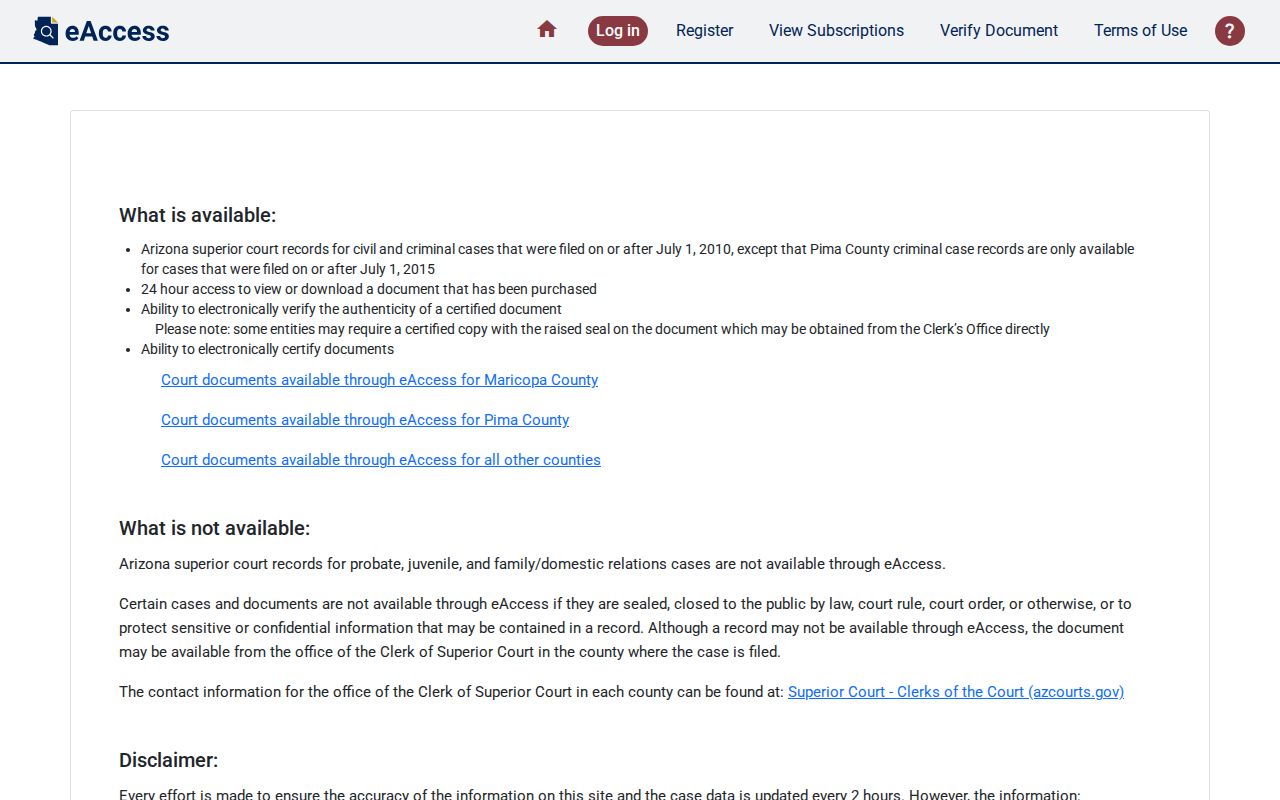
Registering unlocks search and purchase functions, nothing more. Sealed or otherwise restricted images stay off limits. The official eAccess coverage page explains which Superior Court records can be searched.
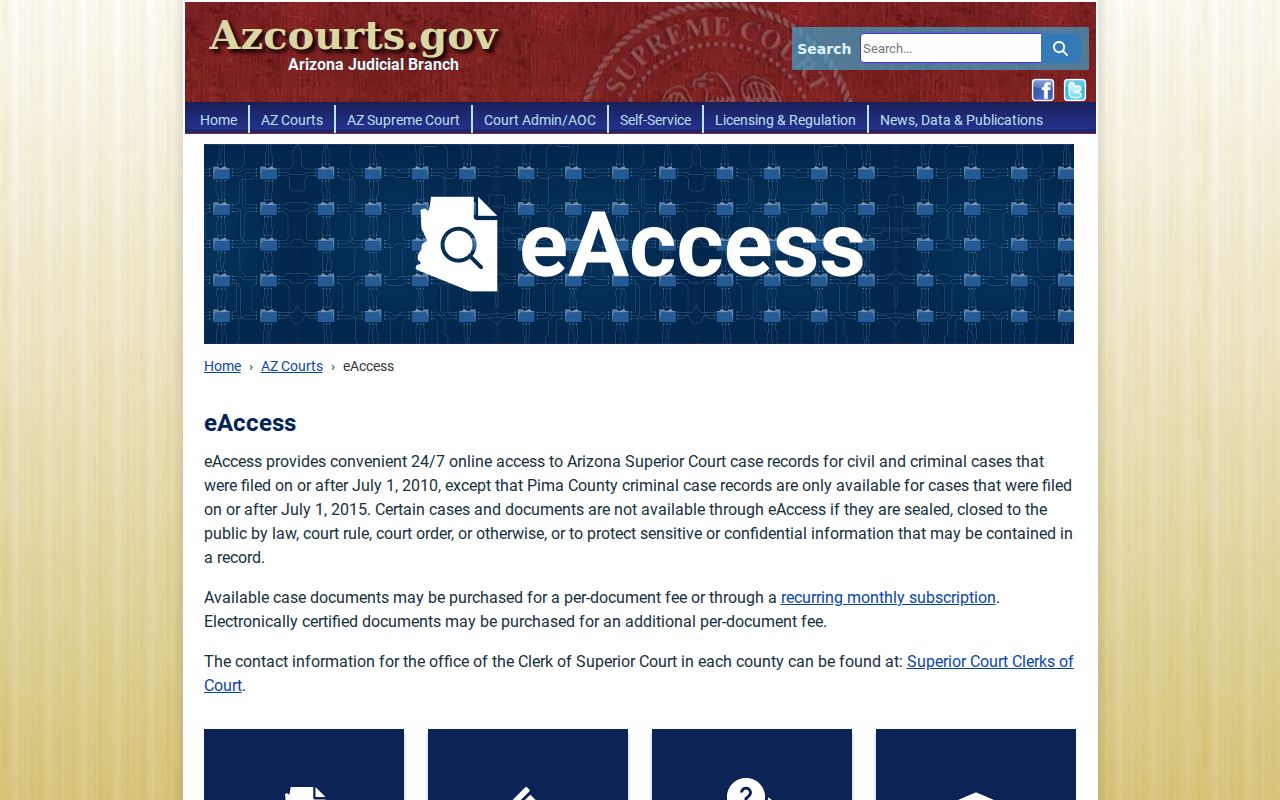
That coverage boundary answers a common puzzle. A valid Yavapai County case can have an index entry yet no purchasable document image, simply because the filing falls outside what the service carries.
What a Case Search Shows
Public Access results open into case details, events, and hearings. eAccess adds structured blocks for eligible files. Read the fields in order. Status is a broad procedural label. The dated events tell you what was actually filed or entered. A hearing showing no result may simply be set for the future. Or no outcome has been entered yet.
| Case Information | Number, filing date, title, category, status, location, and judicial officer |
|---|---|
| Party Information | Unrestricted participants, roles, and attorneys of record |
| Charge Information | Criminal statute, description, classification, and disposition |
| Event Information | Dated activity and any available document icon |
| Hearing Information | Courtroom, date, type, and entered result |
A docket event is not the same thing as the filed image. "Document Not Available Online" can mean no document is linked, or that the image cannot be delivered online. Either way, that message alone does not tell you the full paper or electronic court file is sealed.
Yavapai County Case Image Limits
An event row and a document image are two different items. Some events have no linked filing at all. Other images fall outside eAccess coverage or are restricted from online delivery. Once you buy an available document, it stays downloadable for 24 hours. So save it inside that window. An electronic certification, when purchased, can be verified for 180 days.
Yavapai County Case Result Limits
eAccess opens with ten rows per page. The hard cap is 1,000 results. You can sort any column, and a second CAPTCHA unlocks export to Excel or CSV. That is why a broad sweep on a common surname gets messy fast, while a court-filtered query stays readable.
Narrow the query before you tweak name spellings. Pick an exact court, a tight filing range, or a case-type code. Boolean controls support AND, OR, and NOT, with AND as the default. A known title or judge name also works. Use these tools only on a known public matter. Do not use them to infer facts from similar names.
The eAccess information page spells out the rules for searching, purchases, and fees.
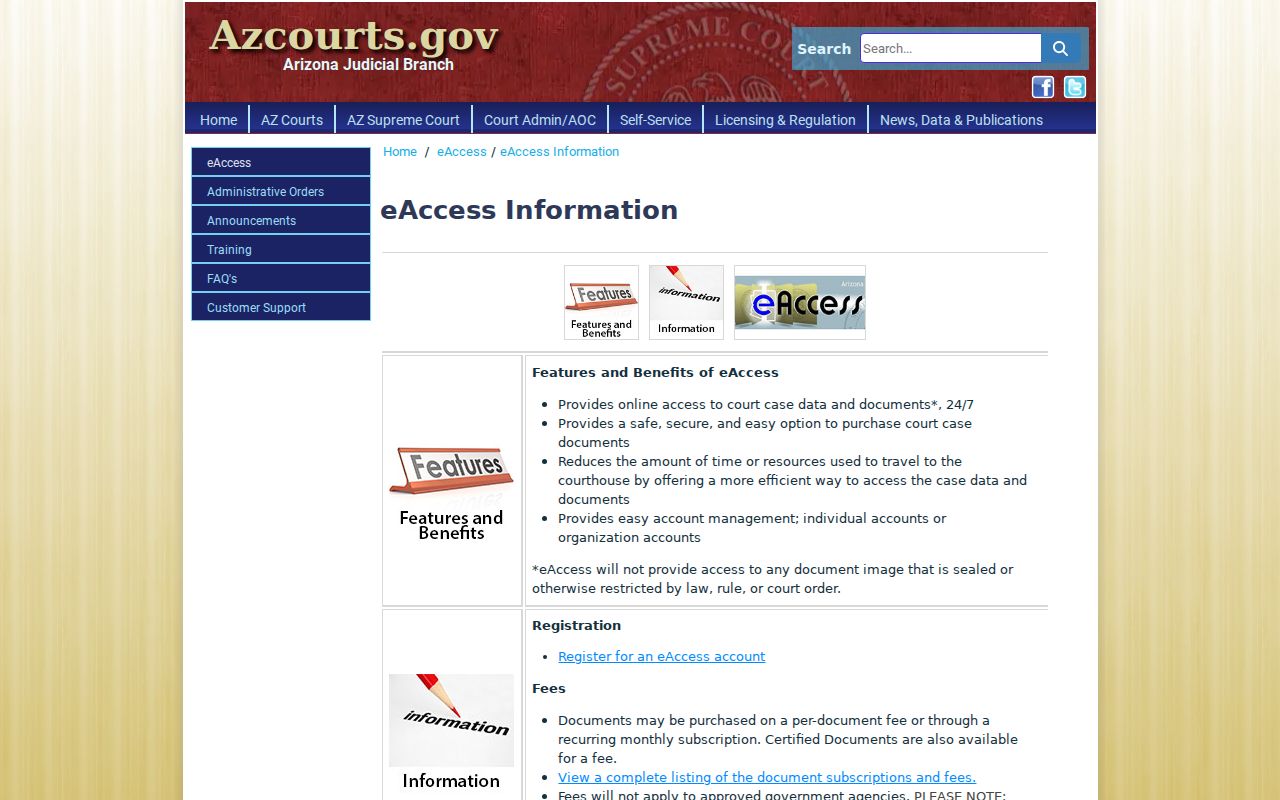
After a match, the rules still matter. Preview, purchase, download, and certification are separate steps.
County vs Statewide Case Search
Yavapai County posts no single portal that merges every clerk file. Public Access serves as the statewide index. eAccess adds the statewide document layer, though only for a limited set of Superior Court matters. Locally, things split apart. The pieces are Superior Court calendars, Clerk records channels, and separate municipal and Justice Court clerks. So the right tool depends on the job. A broad match, a current setting, or an actual filing each points to a different layer.
| Channel | Best Use | Key Limit |
|---|---|---|
| Public Access | Free case, event, and hearing index | Weekly and unofficial |
| eAccess | Eligible Superior Court document images | Registered, paid, post-July-2010 coverage |
| Local calendar | Checking a Yavapai County hearing | Confirm changes with the division |
| Court clerk | Official file, older case, or portal gap | Must contact the filing court |
Finding the number is only half the task. A reader who needs the filing itself can move to the Yavapai County court record search, where the request starts with the exact filing court and the document title.
Yavapai County Case Computer Access
For Yavapai Superior Court documents, the Prescott Law Library keeps a public computer. Camp Verde has one too. Its case-document terminal sits near the Clerk's office. These machines are simply another access channel and a place to seek permitted staff direction, and the official sources do not promise they reveal more than the web does.
Yavapai County Case Lookup Fallbacks
Both statewide products can stop short. First confirm the court printed on a notice or shown in the index. Then call that clerk. A Superior Court request can go to one of four Clerk counters. Phone works too. So does email to YavapaiRecordsManagement@courts.az.gov, or mail. Written requests should name the requester and give contact information. They should also list the case number or party names. Add the exact documents, the preferred paper or electronic format, and whether certification is needed. The Prescott Law Library covers the public-computer channel. Clerk staff can also point to the correct Superior Court records unit.
Restricted Cases and Access Rules
Arizona Supreme Court Rule 123 starts from openness. Judicial records are presumed open unless a law or rule closes them. Public Access still holds back sealed cases, protection orders, mental-health and probate matters, victim and witness data, juvenile delinquency, and local ordinance charges. Adoption, dependency, and severance records face strict limits too, under A.R.S. § 8-208. Redaction is another possibility. Identifiers may be pulled out while the rest of a public record stays open. A missing Yavapai County case result proves nothing. It is not evidence that no record exists. A missing image does not prove sealing either. Sealed or confidential material requires legal authorization or a court order.